Add Custom Field to Users in LMS – How to map from integration center to Plateau
In this example I would like to add a custom field like “Business Unit” from EC to LMS.
- Create the custom field
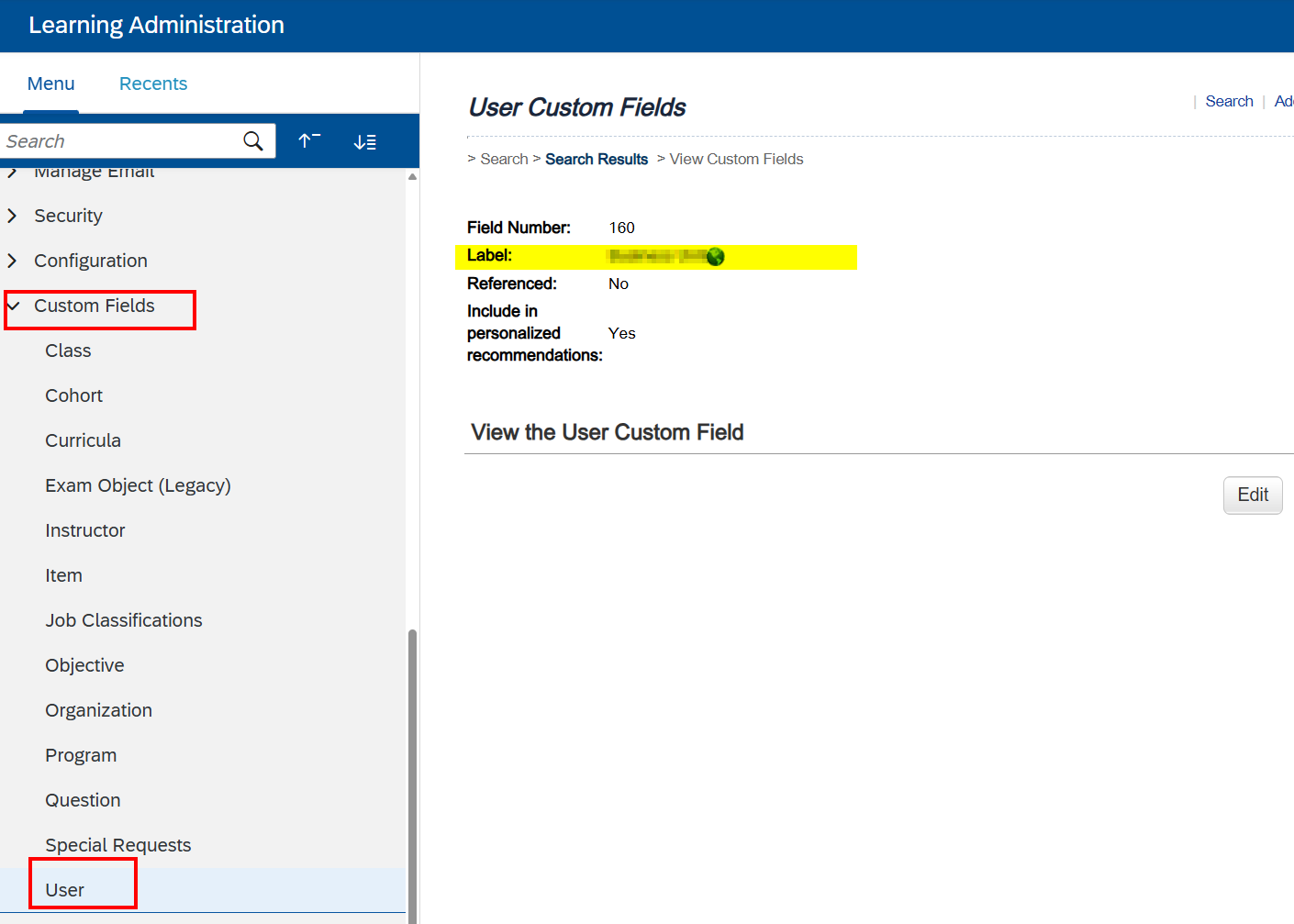
Do not use the existing columns, since I was not able to make them vissible. To avoid this issue I just create a new column
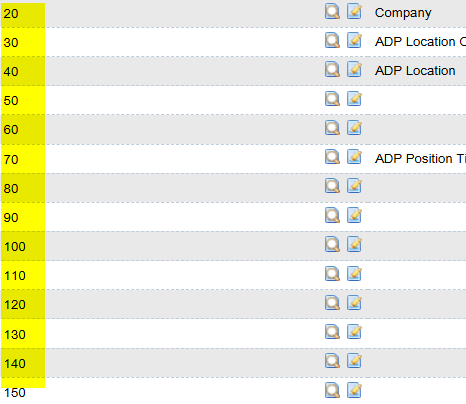
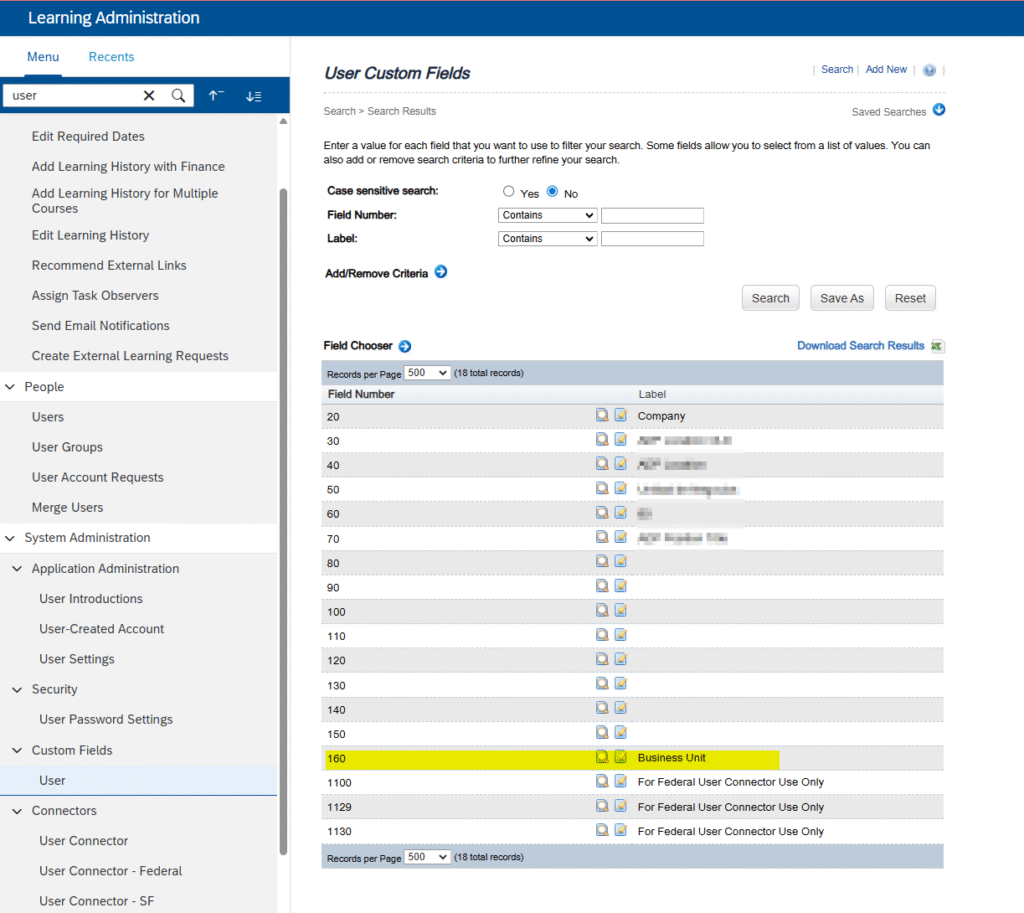
*Value “COL_NUMx_VAL” corresponds to custom column “x0” in the LMS. For example, “sfuser.field.mapping.data.COL_NUM1_VAL” corresponds to custom column 10, “sfuser.field.mapping.data.COL_NUM2_VAL” corresponds to custom column 20, and etc.
2. Map the custom field
In this step, we’ll configure the connector to receive the column “Business_Unit” and fill the new field “Business Unit”.
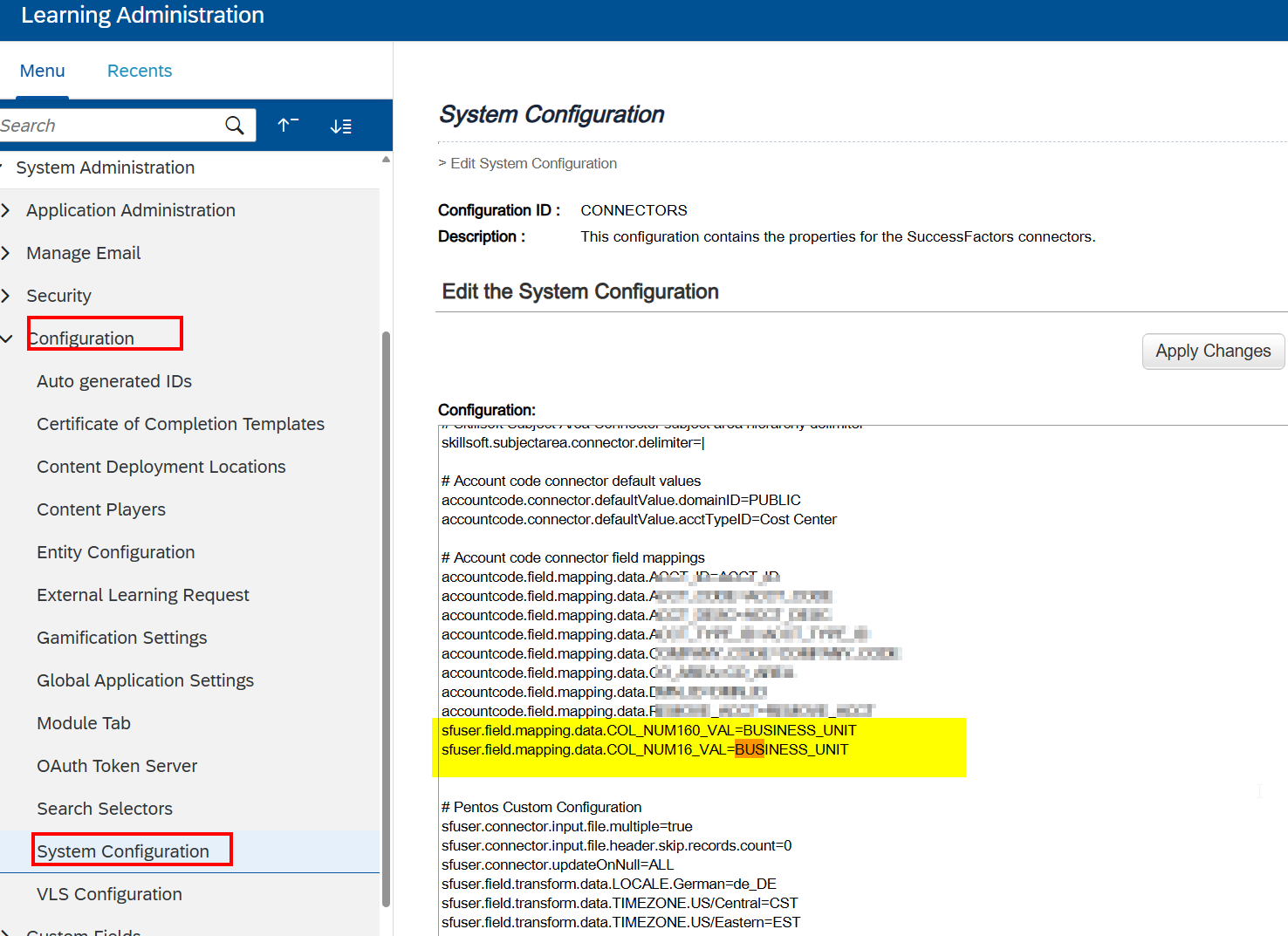
Use the sentence:
sfuser.field.customcolumn.<num>=CUSTOM<num>;
As described in this KBA
https://userapps.support.sap.com/sap/support/knowledge/en/2185280
To trigger manually and check the process is running properly
System Administration > Connectors > User Connector – SF
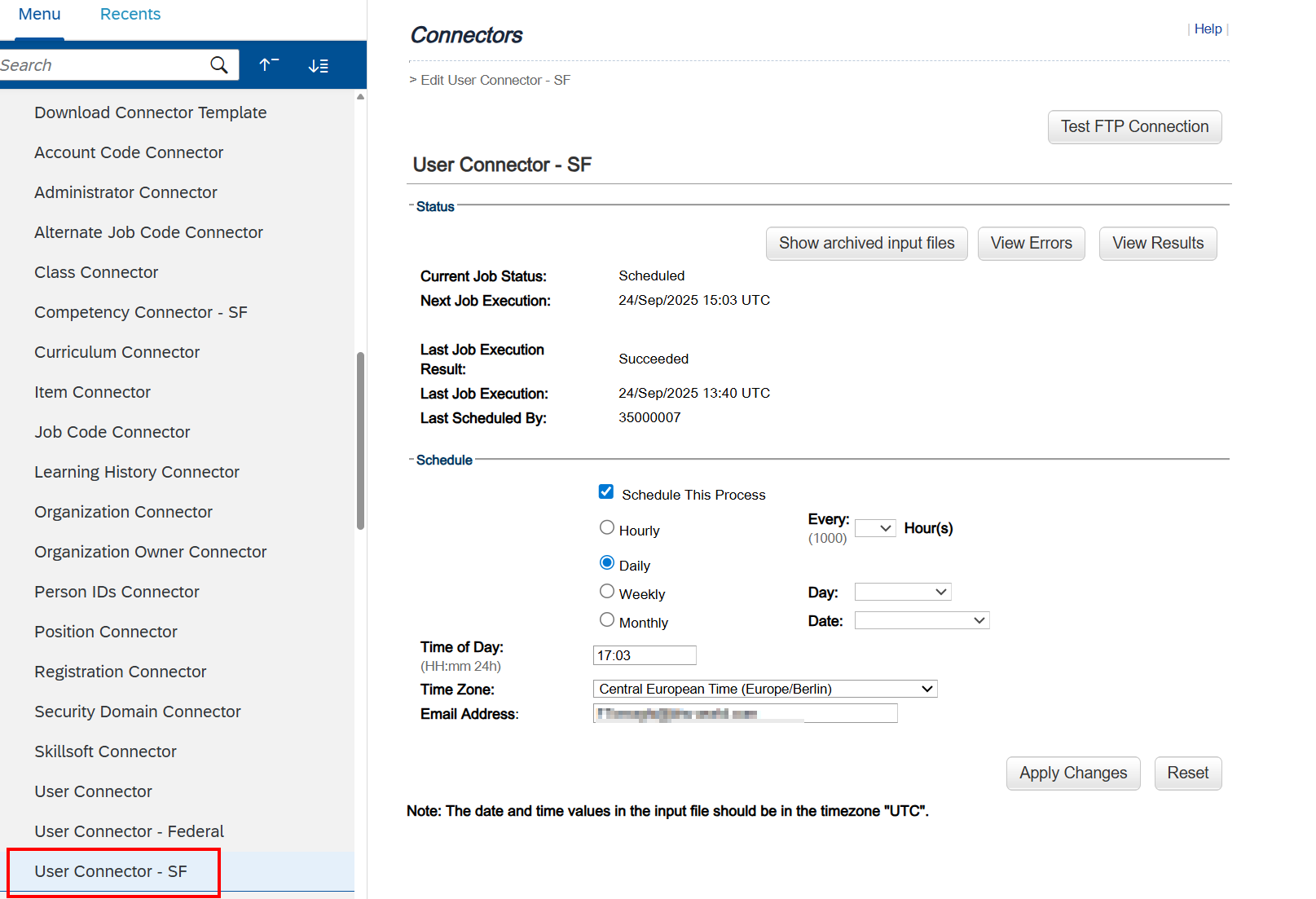
If you have the error:
System -Connector Error: com.plateausystems.connector.api.ConnectorException: Column doesn’t exists :COL_NUM16_VAL in tables [pa_conn_stud_user, pa_conn_student]
Visit this KBA:
https://userapps.support.sap.com/sap/support/knowledge/en/2185280
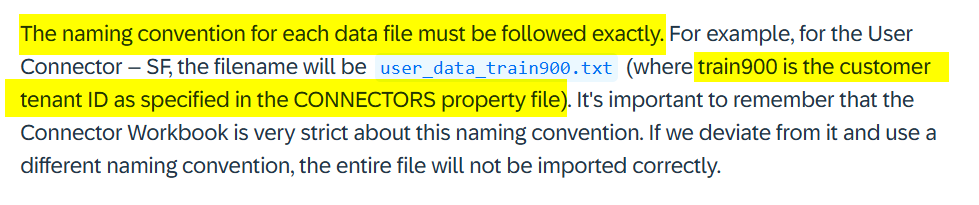
What about the name of the file to upload to the SFTP?
The file that will provide the database is not configured in the “System Configuration” because it’s the default for all the LMSs.