PDF e-signature document for ONB
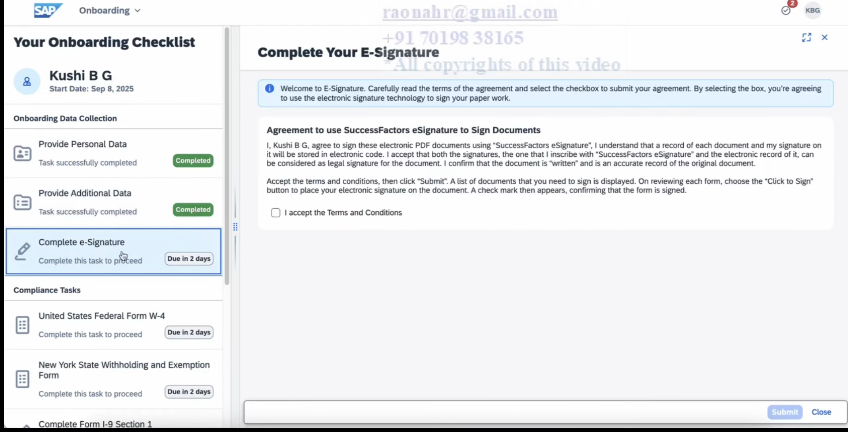
After the completion of the personal and additional data collection step, a document gets generated. As per configuration, if this document requires signatures from the hiring manager and the new hire, it’s sent to the e-Signature step.
How it looks for the Onboardee
Creating a Document Template
The document has to be a XDP format.
This is created/edited using Adobe LiveCycle Designer.
Don’t you have the Adobe Livecylce?
Downloading Adobe LiveCycle Designer
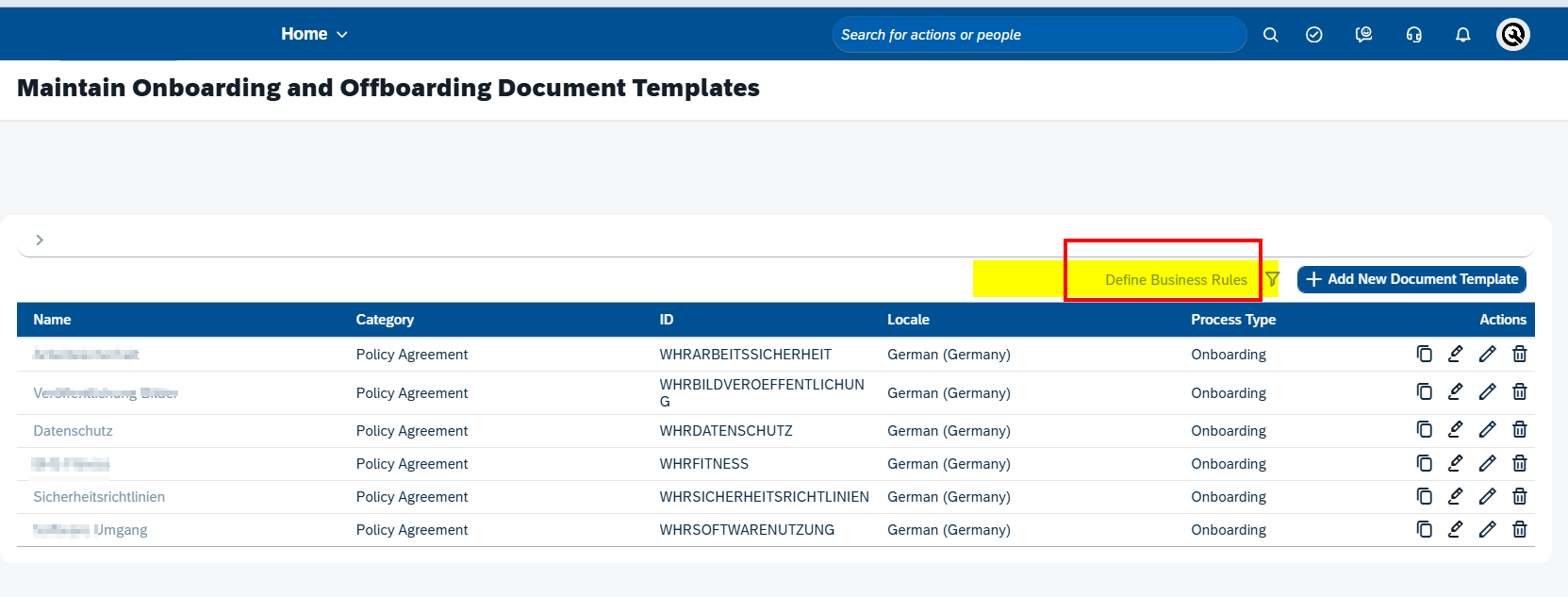
Define Business Rules to Assign Document Template
Process to replace document with e-signature in ONB
- Go to > Maintain Onboarding and Offboarding Document Templates
2. Create the file XDP in Livecycle:
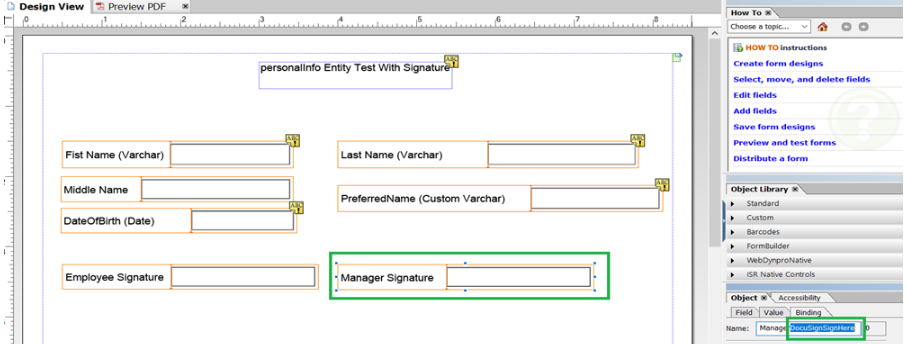
IMPORTANT! When creating the field for the signature, select signature, and then do this:
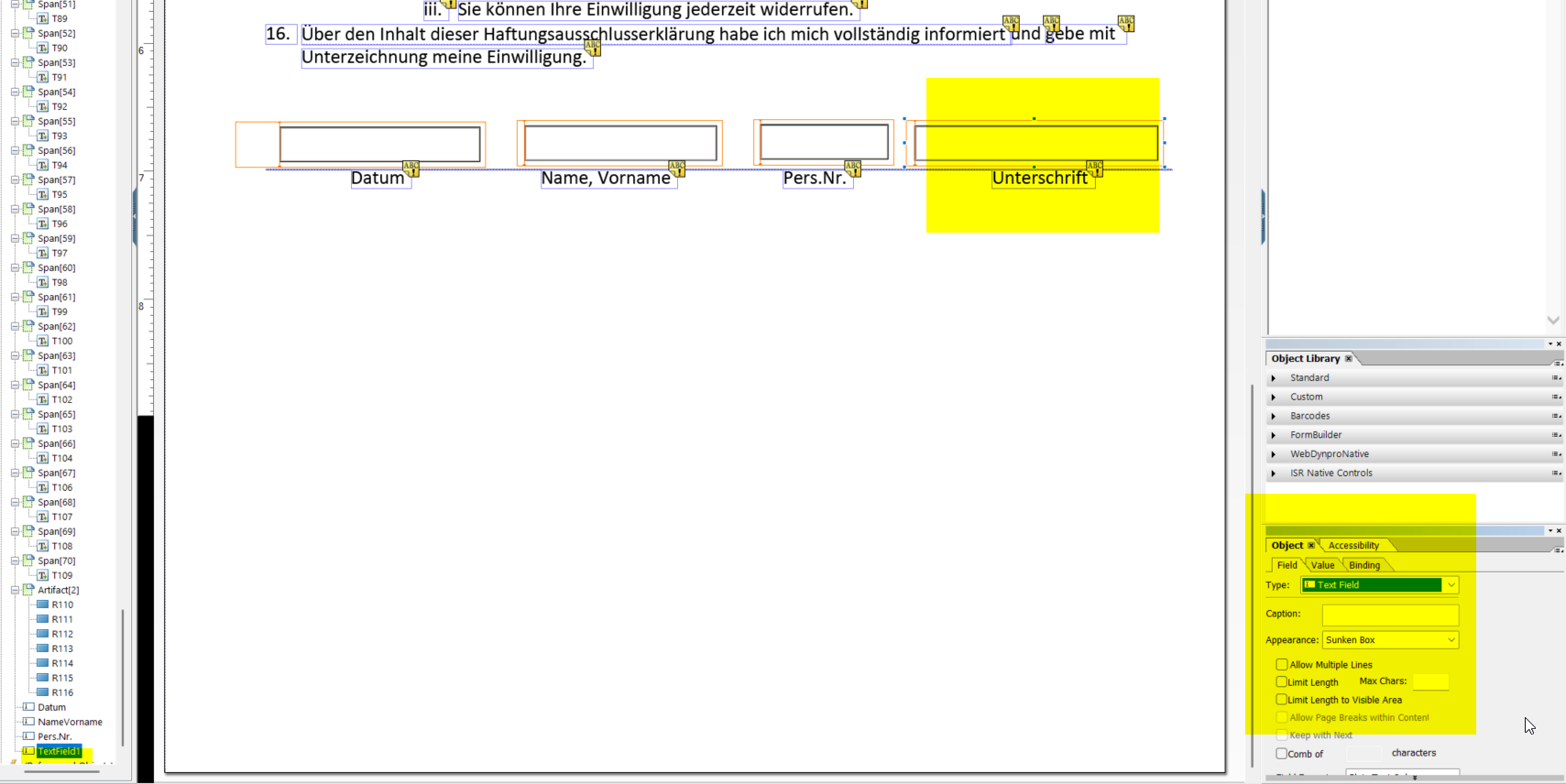
and in mane has to contain ANYTHING+”DocuSignSignHere”. Exactly like below:
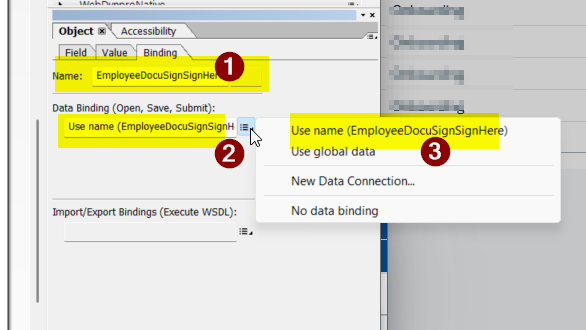
3051584 – Not able to map Signature Field in forms – Onboarding
Supported by this KBA https://userapps.support.sap.com/sap/support/knowledge/en/3051584