In the job search menu filters, all the values appear in each locale – Recruiting Marketing
This is an expected behaviour.
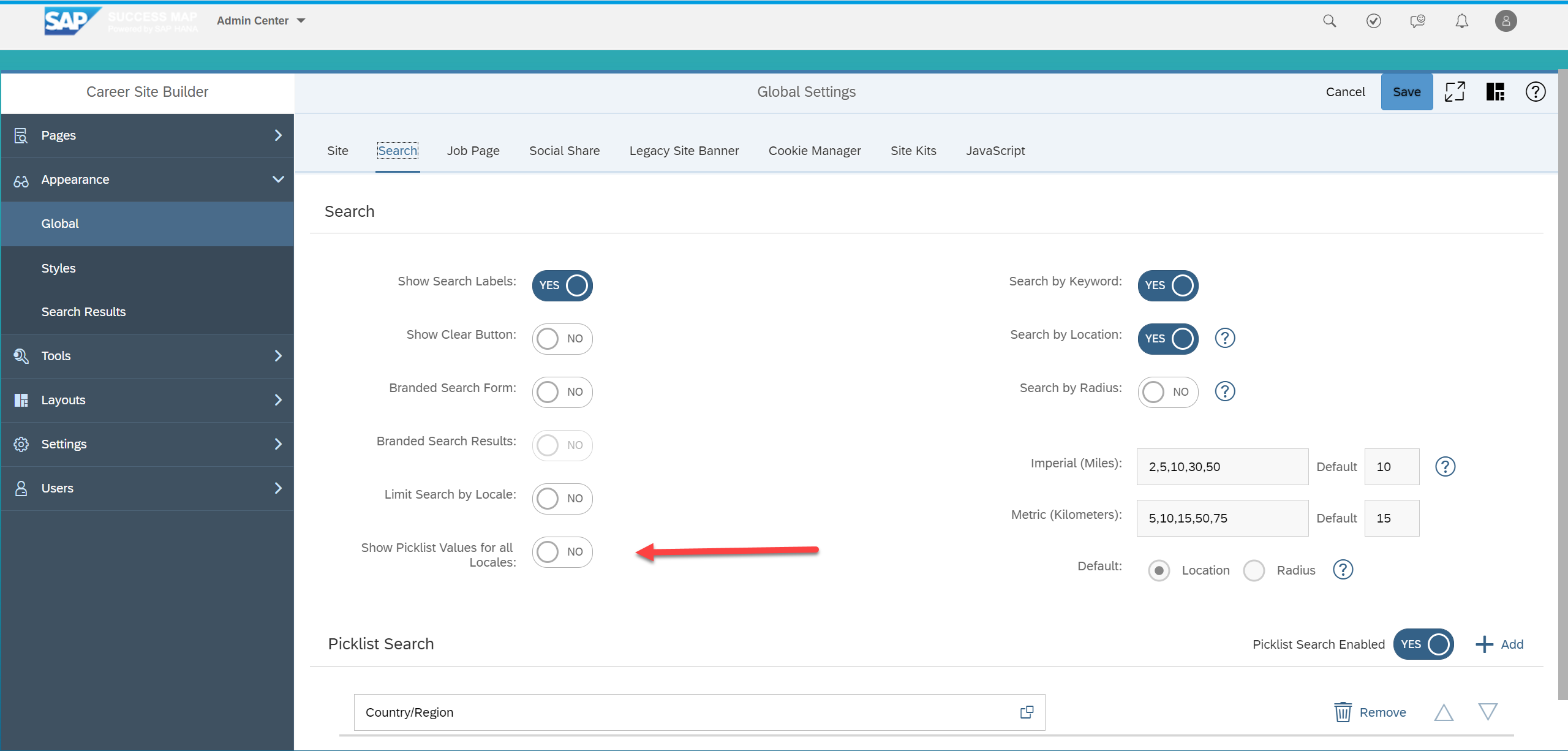
When this option is enabled, the system will display the whole values based on the multiple locales used in the Job Requisitions posted on the Career Site.
To disable this option, go to Manage Career Site Builder > Appearance > Global > Search tab. Toggle the Show Picklist Values for all Locales.